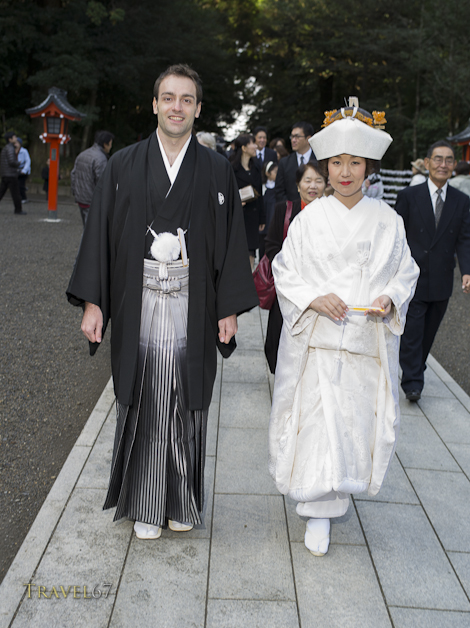
Walking up to the shrine
Thanks Michael and Kana for having me along for the weekend. It was a fun experience photographing your special day.
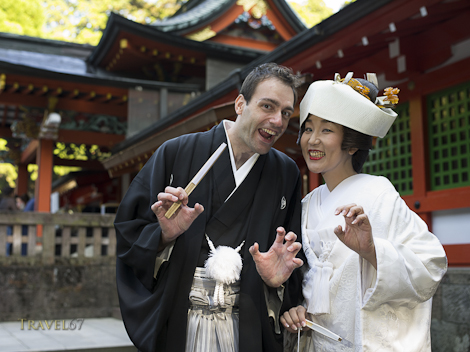
Lyon Pride
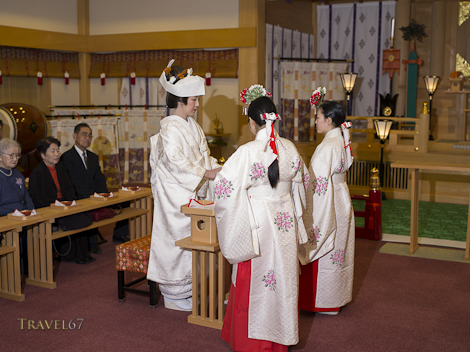
Shinto Shrine Wedding
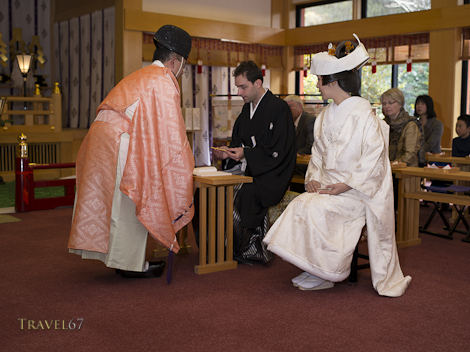
Shinto Shrine Wedding

It’s official
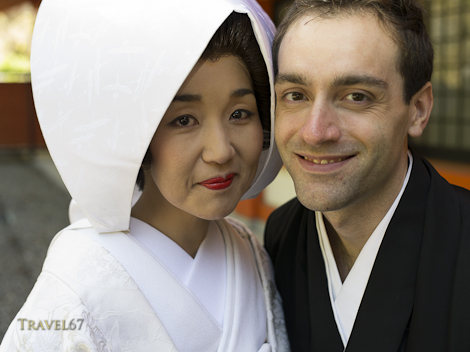
Mr and Mrs Lyon

The Bride
Walking up to the shrine
Thanks Michael and Kana for having me along for the weekend. It was a fun experience photographing your special day.
Lyon Pride
Shinto Shrine Wedding
Shinto Shrine Wedding
It’s official
Mr and Mrs Lyon
The Bride
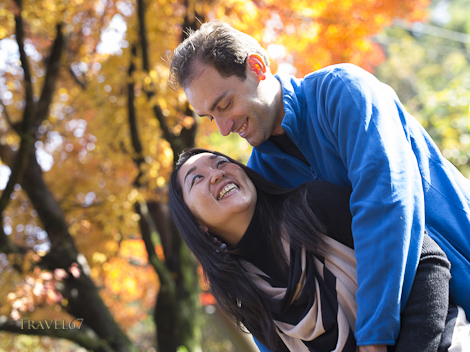
Legends of the Fall
A couple of weekends ago I flew up to Kagoshima to photograph the wedding of two friends Michael and Kana. On the Saturday they went for fittings of the kimono, and visited the shrine where they’d get married the next day.

Drinks before a kimono fitting.
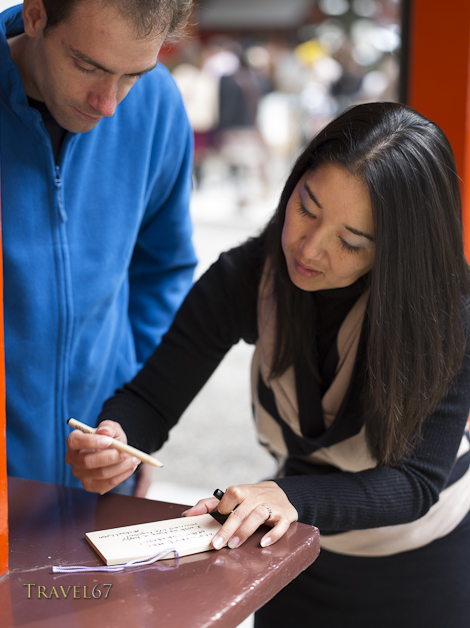
At the Kirishima Shrine writing a prayer tablet
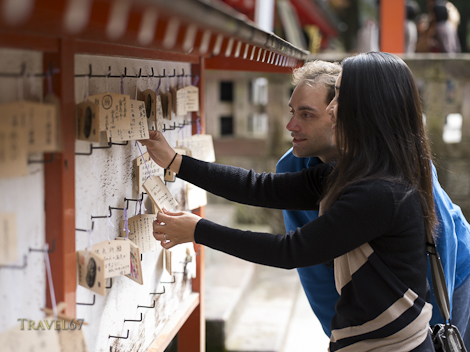
Hanging the prayer tablet so their wishes will come true.
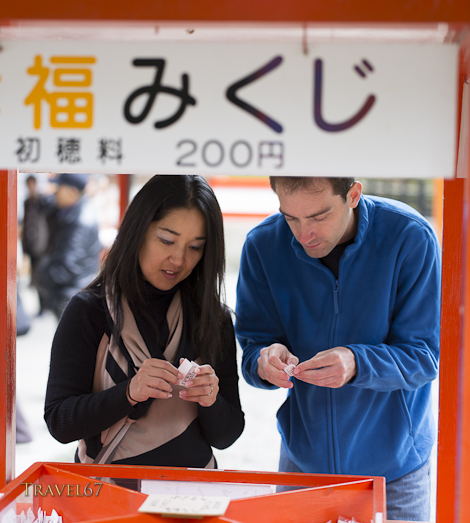
Buying Omikuji to check their fortune
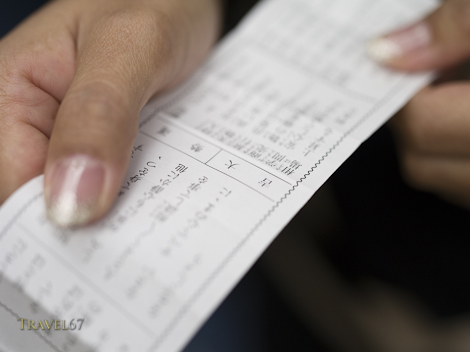
Which is “Very Good” so things bode well.
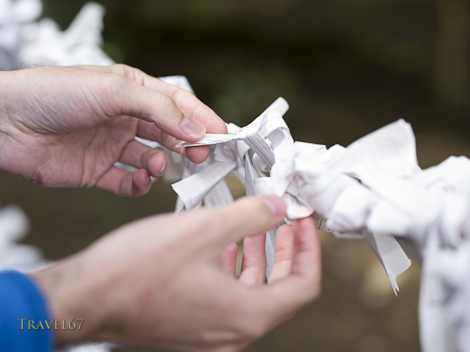
And finally tying the omikuji to the ropes at the shrine.

Hadaka Matsuri on QI
I was watching the latest episode of the British quiz show QI yesterday and spotted one of my images being used to illustrate the Hadaka Matsuri in Okayama.
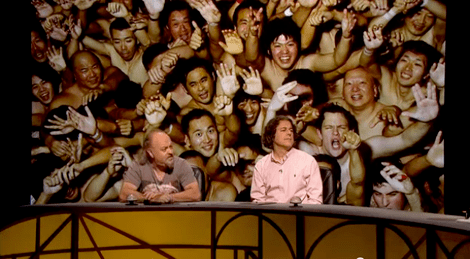
Hadaka Matsuri on QI
A little surprised that the researchers managed to get the details of the festival so confused. There is no mud involved in the Okayama Hadaka Matsuri (but this does occur at a different “Naked” festival) The winner doesn’t get two sticks but the sticks are thrown into the throng of men by the priests and fought over. The sticks are now thrown at 10PM rather than midnight. And finally, the men are wearing fundoshi loincloths so they are not actually naked.
At the moment you can watch the episode on You Tube, my pic is at about 33 minutes.
And a final quite interesting fact. Host Stephen Fry will play the part of the Master of Laketown in the new Hobbit movies.

Misty Mountains of Kirishima
645D with 90mm lens
This blog post has a geek rating of 5. It has explicit descriptions of computer parts and even the cultural references are aimed at those who believe anoraks are not just for rainy days.
After replacing the “panic locked” SSD drive and restoring the system from Time Machine, my Mac Pro computer was working once again. On Facebook I happily stated that computer, printer and Photoshop were all in sync and I could get back to work. Then a few hours later there was a glitch in the matrix.
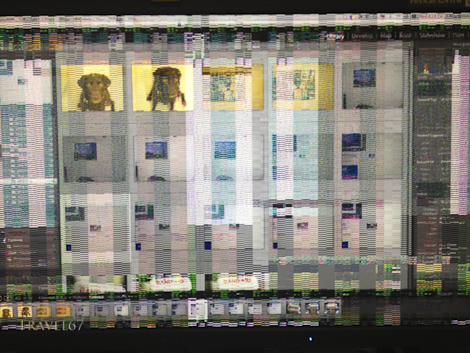
Graphics Card Giving up the Ghost
Turning off the computer and turning it back on again didn’t help. My Nerd Herd friends Robert, Nate and Pietro were out of Okinawa so I’d have to work things out myself.
After a bit of research, I came to the conclusion it must be an issue with the graphics card. The issue being it was no more. It had ceased to be. It had expired and gone to meet its maker. My Mac Pro is a 2007 model 1,1 with a nVidia GeForce 7300GT graphics card with 256 MB of GDDR3 SDRAM. ( I warned you about this earlier on.) I considered looking for an identical graphics card, but they aren’t produced anymore. The latest Mac Pro computers come with an ATI Radeon HD 5770 graphics card with 1GB of GDDR5 memory, and the card can be purchased for mid 2010 Mac Pros as an upgrade. I presumed it would be incompatible with my 2007 computer. However, the Mac store Q&A comments revealed that this card would work in a 1,1 model Mac Pro, and there was light at the end of the tunnel. I ordered one from Amazon Japan Friday night and it was here when I arrived back from my trip to Kyoto.
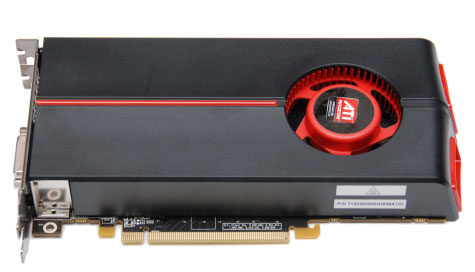
ATI Radeon hd 5770
I’m not a tech guru. I have never coded, hacked or built my own computer. I had never really considered the importance of graphics cards believing that they were the concern of gamers who spent all their waking hours with people called Soap, Kozak, or John-117. I had no idea how you’d actually go about switching out the graphics cards in a computer.
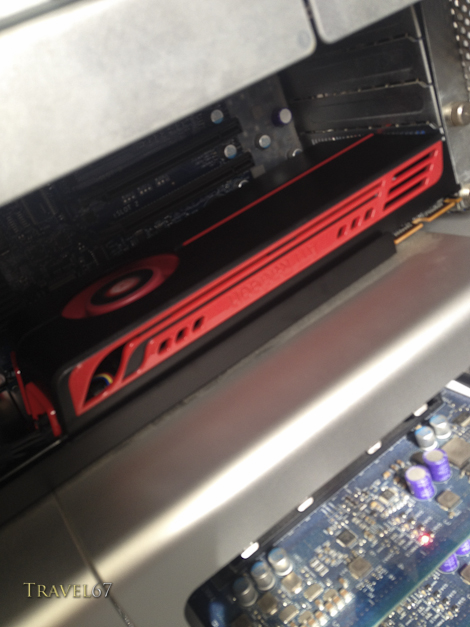
Mac Pro with ATI Radeon HD 5770
Fortunately it turns out that Apple’s powerful workhorse computers are also the easiest to upgrade. I found a video on YouTube that took me through the entire process of replacing your graphics card in a Mac Pro. The video lasted for 3 minutes. If you can cope with Duplo, you can switch out hard drives, memory and graphics cards in a Mac Pro. I installed the new card, turned the computer on and everything is working again. Yippee-ki-yay!
The Mac Pro: “A chimpazee and two trainees could run her.”
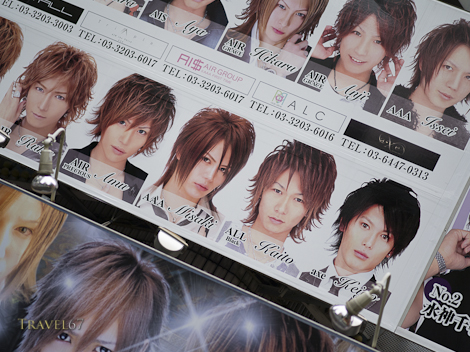
Kabuki-cho Host Club
Kabuki-cho is Tokyo’s entertainment and red-light district. It is located on the east side of Shinjuku Station, it is literally on the other side of the railroad tracks from the government buildings and corporate offices of West Shinjuku.
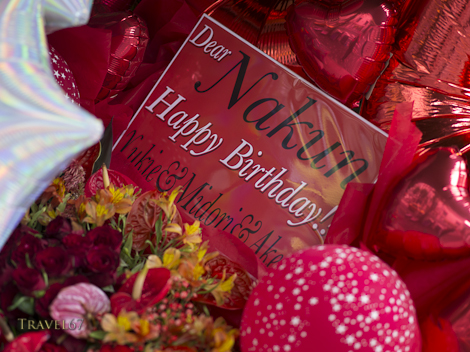
Party Time – Kabuki-cho
Kabuki-cho is filled with bars, restaurants, and the infamous host and hostess clubs. Some of the establishments are run or controlled by the Yakuza and there are numerous stories of people having a couple of drinks in a bar and then being given an unexpectedly large bill.

All Shapes and Sizes – Kabuki-cho
Signs for different clubs fill the streets with the pictures of various hosts and hostesses on display. There are also a surprisingly large number of florists. It turns out that customers often buy roses for their favorite host / hostess along with huge floral displays for birthday parties and the opening of a new club.
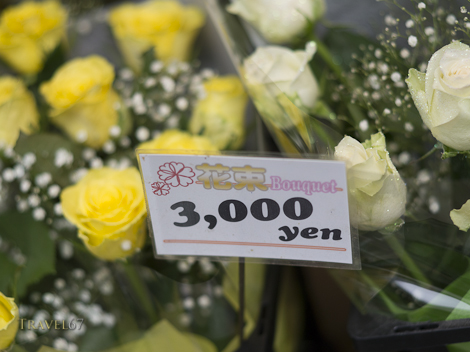
Kabuki-cho – Say it with flowers
Other stores provide customers with gifts that are cringeworthy. Although, if you like crocodile skin and things encrusted with fake diamonds, you’d be in retail heaven.
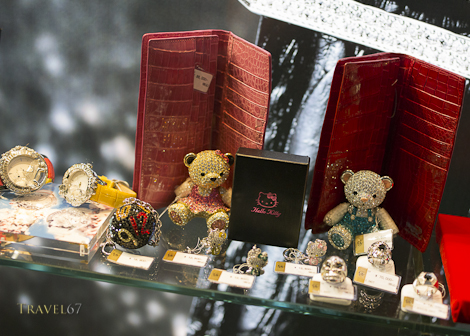
Kabuki-cho – Bearing Gifts
Some establishments have signs saying JAPANESE ONLY. Large guys with mangled ears guard the doors of many clubs, and would probably be more than happy to relieve you of your money, your kidneys and your camera. Tourists are pretty safe wandering around, and a very convenient Toyoko Inn hotel is located in Kabuki-cho. However, descend the pink steps or open that windowless door, and I’ve no idea how deep that rabbit-hole goes.
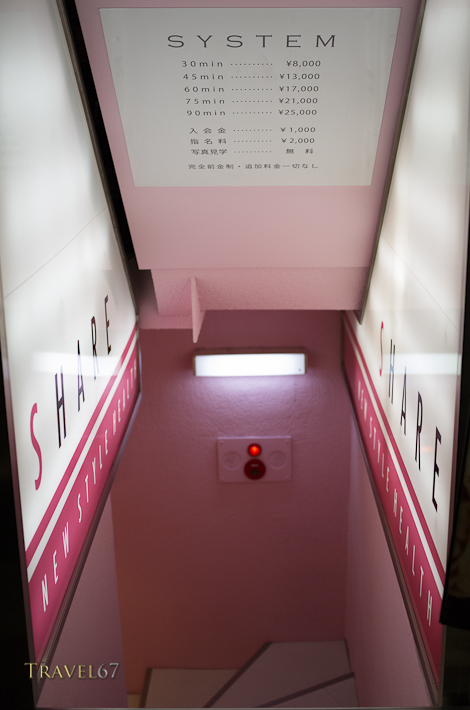
Kabuki-cho – Red-Light Stairway
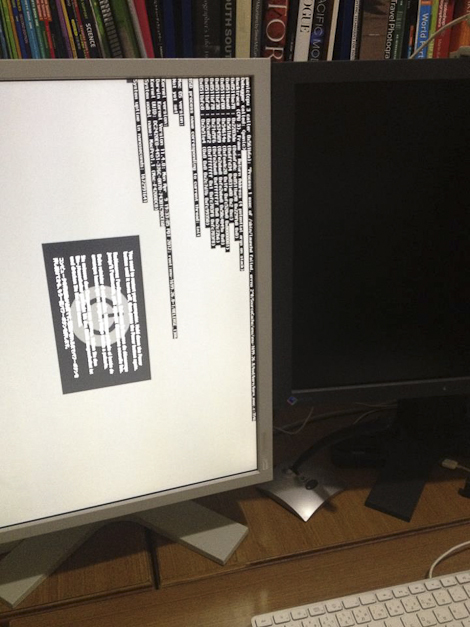
When things go wrong, you’re going to need a back up..
Veteran motorbike riders are well aware of the fact that it’s not a matter of if you have an accident, but when. For this reason it’s worth investing in the best protective gear possible.
Experienced computer users will likewise tell you that it’s not a matter of if your hard disk drive will fail, but when. And it’s not just hard drives, almost any kind of digital data storage device can become unreadable. This includes CDRs, DVDRs, Blu-rays, Solid State Drives and even the optimistically named Secure Digital (S.D.) cards.
People treasure their pictures. As the forest fire approaches or flood waters rise, it’s wedding albums and family photographs that are saved not plasma televisions and golf clubs. Unfortunately, in this digital era, many people have their images stored on a home computer and when it dies, they’ve lost months or years worth of memories. Data recovery services are an option, and I know of several photographers who have paid thousands of dollars in fees to companies that were able to get back a portion of their images from a particular drive or card.
Not surprisingly, computer companies and particularly drive manufacturers don’t advertise the fact that the two hundred or even two thousand dollar piece of hardware you’re buying will fail spectacularly at some point in the not too distant future. Of course, it’s recommended in the fine print to back up drives, but they’re hardly going to put data health warnings on the outside of the box.
Which brings me on to Data Asset Management, or in layman’s terms, backing up all your stuff.
The fundamental principle of data asset management is having multiple copies of all your data. When discussing redundancy I believe the U.S. military have a phrase “Two is one, and one is none.” Tech gurus take this another step saying that there must be at least three copies of all data, ideally in at least two different locations.
In the past year I have had an SD card become unreadable, a hard drive failure, and an SSD drive “panic-lock” (die). The SD card was reformatted, I bought a new hard disk drive, and the SSD was replaced under warranty. In all three cases the data was lost, but it wasn’t a problem because there were multiple copies. (There was still varying amounts of hassle rectifying the problems, but it was mere hassle rather than disaster.)
There are many ways to protect your data, but I’ll start by explaining my current system.

Dual SD card slots in the Pentax 645D
The first backup is done while shooting. Some cameras now come with dual card slots. You can set these up so that the image is recorded to both slots. If one card fails catastrophically as you are transferring the images (computer struck by lightning) or you drop it down a drain, you’ve still got a backup.

Once the files are on your computer your next step is to have them backed up to an external hard drive. Apple have made backing up data an integral part of their operating system with Time Machine. You can do this wirelessly with an Apple Time Capsule, but as I use a desktop it’s just as easy and cheaper to use any large wired external hard disc. Time Machine automatically backs up all the data on my computer to a 3TB external hard drive. When an internal hard disk failed I was able (once I got a replacement) to restore the drive from Time Machine.

Drobo – built in redundancy across multiple hard drives.
Another popular option used by several of my friends is a Drobo
The next step is to have an offsite backup. The backup drives sitting next to your computer won’t save your data if they are simultaneously burned, submerged or stolen. All my image files (and my iTunes data) are also saved to external hard disks which are stored elsewhere. All my other data is in a 100GB Dropbox account on the web which I can access from anywhere. At some point in the future I may backup all my data to the cloud using Dropbox or another service like Amazon Glacier or Crashplan.
In summary, equipment fails so you need to have a backup. Don’t cross your fingers and presume it won’t happen to you, because it will.
And just in case the world is hit by an electromagnetic pulse weapon, it’s probably worthwhile making a few prints too.
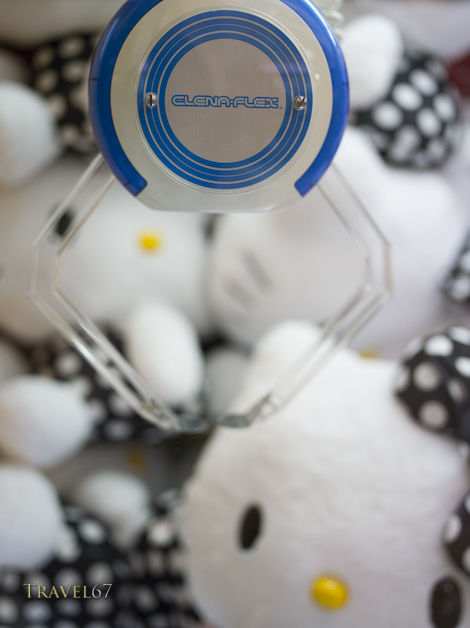
Kitty-chan meets The Claw
UFO catchers, particularly popular with little green aliens.
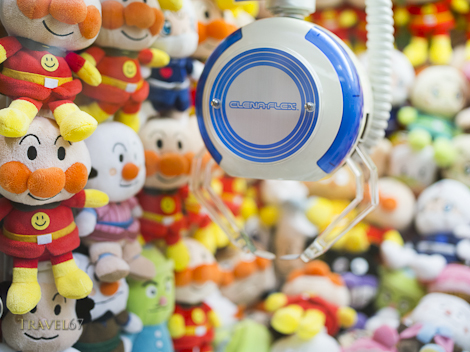
Anpanman meets The Claw

Yesenia – The Kindergarten Temp
Yesenia tried to teach a large class of hyperactive kindergarten students how to fingerpaint. The tiny children could smell fear and attacked en masse.
Model – Yesenia Ramirez
Makeup – Amy Higareda
Stylist – Jovanna Flor
Here’s a quick update to a previous blog post on field guides to Japanese birds. Along with the two books previously mentioned, is a new volume by Mark Brazil (who turns out to be a friend of a friend).

A Photographic Guide to the Birds of Japan and North-East Asia
A Photographic Guide to the Birds of Japan and North-East Asia
One problem I noticed is that the book has the English and scientific names of the bird, but not the common Japanese name. If you buy this book and plan to use it while in Japan (which would be most people I imagine) having the Japanese name would allow you to ask locals what a bird was or confirm your guess.

A field guide to the birds of Japan
Until the photographic guide came out the standard book (in English) of Japanese birds was A Field Guide to the Birds of Japan
The field guide is excellent with great drawings of adults and immature birds along with summer and winter plumage. There are the English, scientific and Japanese names for each species also. (Impress you Japanese friends with your knowledge of obscure Japanese bird names.)
The latest book on the market is Birds of East Asia: China, Taiwan, Korea, Japan, and Russia (Princeton Field Guides)


Birds of East Asia: China, Taiwan, Korea, Japan, and Russia
 TRAVEL 67 : Chris Willson Photography