
Bear in Black
In times of need, Bear transforms into “Black Bear” a shadowy force that is more bite than bark.
Rather than a phone booth, Bear transforms herself in Photoshop, then charges off into the night.
Bear in Black
In times of need, Bear transforms into “Black Bear” a shadowy force that is more bite than bark.
Rather than a phone booth, Bear transforms herself in Photoshop, then charges off into the night.

Matsubayashi-ryu black belt James Pankiewicz training on the beach in Okinawa
Building up a larger selection of karate photographs for an assignment I’m working on. James agreed to step out of the dojo for some beach training images. (The above sequence is an example of using a fast shutter speed to freeze motion when shooting without flash. I used a reflector to add some light as I was shooting into the sun.)

Matsubayashi-ryu black belt James Pankiewicz training on the beach in Okinawa
Just made a clever little upgrade to my computer which I thought I’d share.
In previous blogs I talked about the joys and pains of my Apple desktop behemoth. These Mac Pro computers are big and powerful, but also surprisingly easy to upgrade. The procedures to install new memory or hard disk drives are pretty much plug and play. I’d upgraded the memory (Photoshop runs faster) and hard disk drives (big photos need lots of room) and things were running fine. My friend Steve (not Jobs) advised me about the next step – a solid-state drive.
A solid-state drive (SSD) has several advantages over a standard hard disk drive (HDD). As they have no moving parts, they are more reliable and can access data faster. They’re also silent and run cooler than HDDs. The main drawback is that they are far more expensive per GB of capacity. For those people who are still using desktops that can hold multiple drives there is a fantastic opportunity. You use cheaper, much larger HDDs for storing the data (music, videos, documents, photographs) and a faster SSD for startup and applications.
Last week I ordered a 115 GB SSD along with a converter so that the 2.5″ drive would slot into the 3.5″ drive bay. Cost including shipping to Japan was around US$250. Yesterday I installed the drive, and then used the Apple startup disk to transfer the data from the old HDD to the new SSD then switch the drive that OSX boots from. Everything worked without any glitches. The computer now starts up faster, applications run faster and there is the extra bonus of reliability.
If you’ve got multiple drives in your computer this is well recommended.
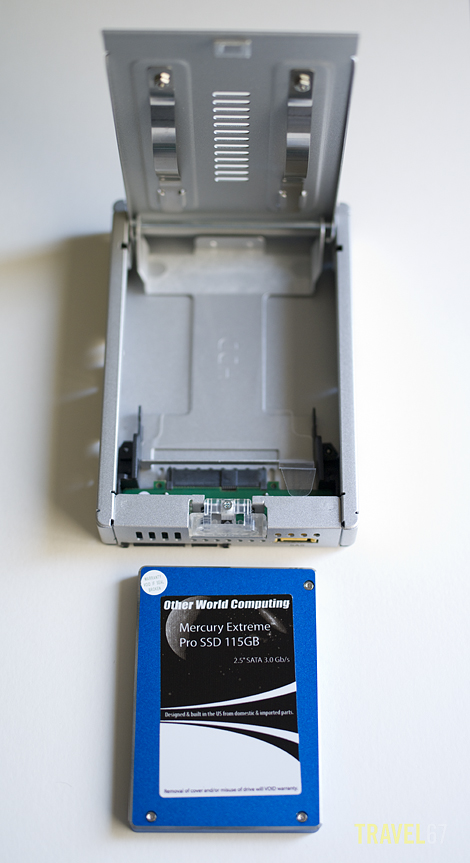
115GB OWC SSD drive with ICY DOCK 2.5" to 3.5" converter
Some more flash duration testing this time with Bear as the model.
When using natural light you can freeze action by using a fast shutter speed. When using a strobe (and low ambient light) you freeze action with the light from the strobe rather than the shutter. The length of the pulse of light that comes out of the strobe is the flash duration. The shorter the flash duration the cleaner the image as you will get less blur.
In these shots I threw a dog biscuit with one hand and pressed the shutter with the other. Bear is quite happy to work for food.
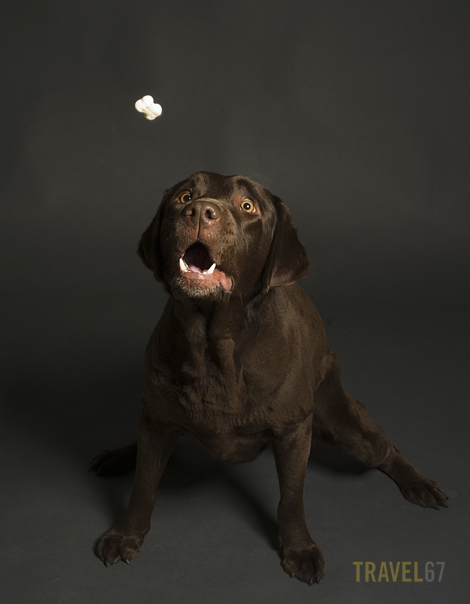
High Speed Bear (1)
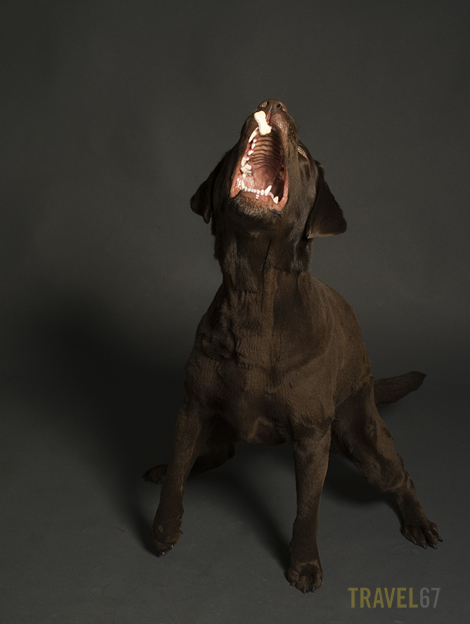
High Speed Bear (2)
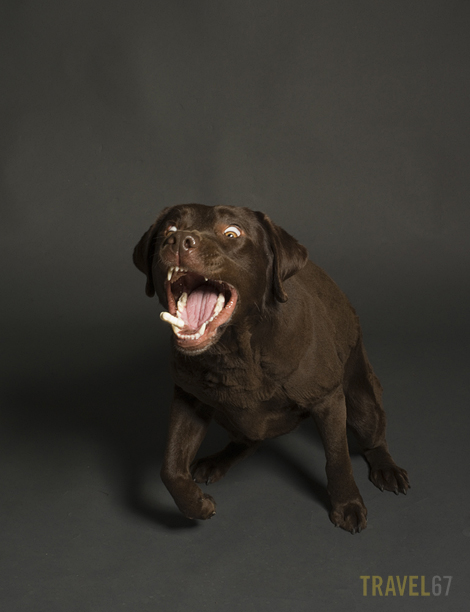
High Speed Bear (3)
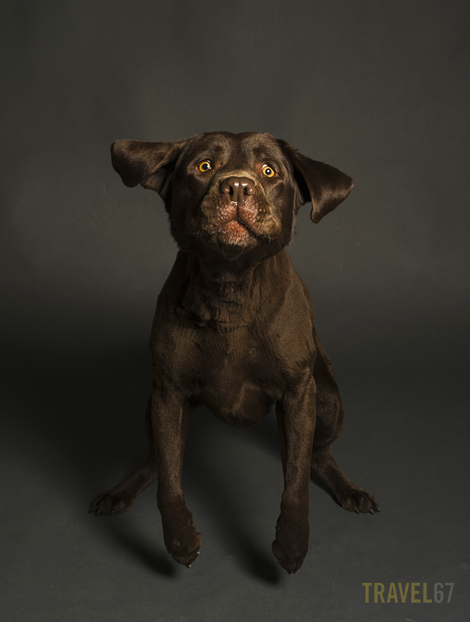
High Speed Bear (4)
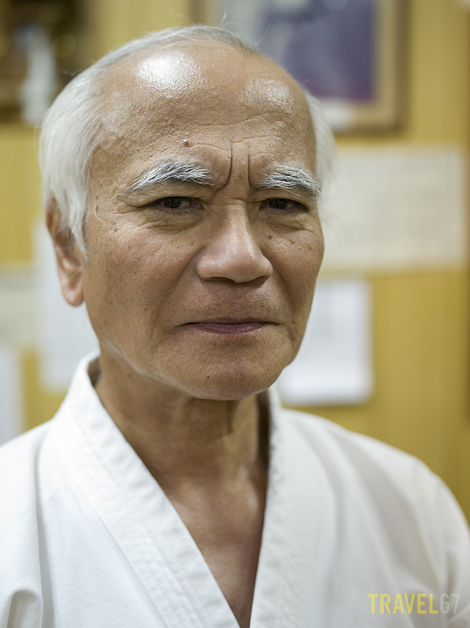
Matsubayashi-ryu Karate 10th Dan - Toshimitsu Arakaki
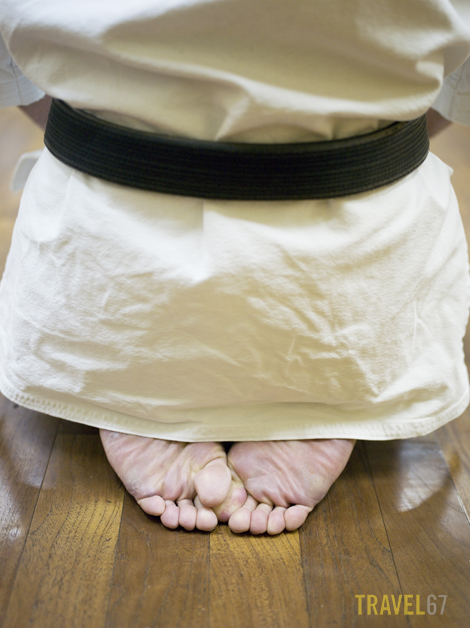
Ready to Begin

Warm Up
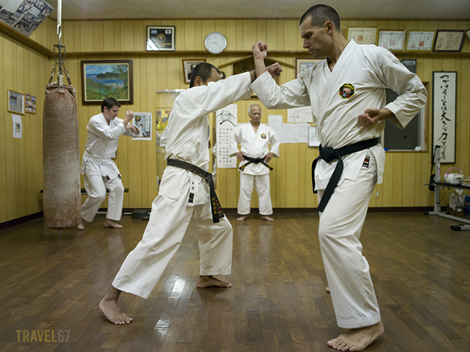
Arakaki sensei watches over his class
I used the 35mm wide angle for images 3 and 4. It allowed me to be right in amongst the action and have a good depth of field even at a large aperture. This was another instance that I would have struggled to shoot wih film. I had to use ISO 1000 and shoot quite a number of frames to get the images.

The village idiot with his new TT helmet.
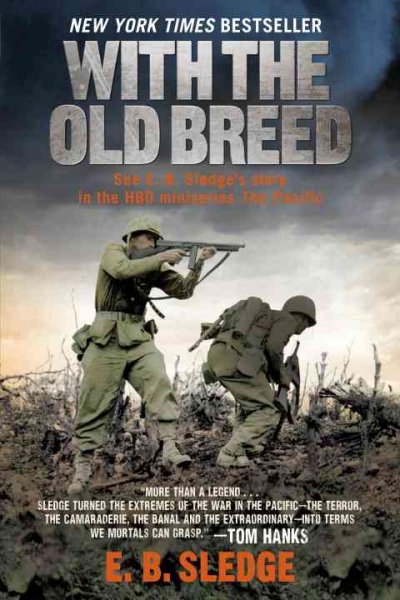
With the Old Breed by E. B. Sledge
Last year I watched the Hanks / Spielberg mini-series “The Pacific” that was based on the experiences of American Marines in the Pacific Theater. The series focused on three men, one of which was Eugene B. Sledge, a young Marine who witnessed the horrors of Peleliu and Okinawa. These secret notes Sledge made during combat would later become the book “With the Old Breed” which was then adapted to become the mini-series “The Pacific.”
I just started Sledge’s book. I’m not sure it’s going to be one I enjoy, and I should probably avoid reading it before going to bed. It is however an important account of war, particularly for those who have connections with Okinawa. Glancing through the pages I see maps with names I recognize. The Ishikawa Isthmus is where I live, Sugar Loaf Hill is beside Main Place shopping center and the landing beaches are where I dive. The elderly residents of this island lived through the Battle of Okinawa, for the rest of us its important to be aware of what happened, and hope nothing like it ever happens again.
If anyone else want to read along with me, I’d love to hear your comments. You can get the book from Amazon.com

Starting this month I shall be holding some weekend photography workshops on Okinawa. I’ll be starting off with “Photography 101” courses for beginners, and then later will be offering more advanced classes including studio work and night photography. I’ll be teaching most of the courses, but I also intend to bring in specialists in their particular field from mainland Japan. (Light Painter Trevor Williams is already on board as one of the visiting instructors, see his work in action on Japanese News!)
So here’s the info on the first class
PHOTOGRAPHY 101
Weekend Workshop April 23 & 24 2011
Who is the course for?
The beginner or novice photographer who has a digital SLR and wishes to progress beyond the green fully auto mode. People who want to take better photographs of their friends and family rather than point, shoot and hope for the best.
What do I need to bring?
Your digital SLR camera, lens, your camera manual, memory card, battery and charger. If you have a digital compact rather than a digital SLR camera then I can lend you a digital SLR for the course. You don’t need a particular brand of camera or lens.
What does the course cover?
Equipment – The anatomy of cameras, lenses, memory cards, filters and tripods.
Exposure – Aperture, Shutter Speed, ISO, Camera Modes, Metering
Composition – Angles, Repetition, Rules, Lines, Simplicity
Data Management – Sorting, storing and protecting your images.
This is a fun workshop rather than a lecture. As we cover new topics we will be taking photographs, reviewing the images, and discussing the results. You’ll be learning by practicing each new skill rather than just reading about it.
Number of Students in the Class? Maximum of 4
Time and Place? 9.00 to 17.00 on April 23 & 24th. Class takes places at my home in Ishikawa (Uruma City), and surrounding locations. The workshop takes place both indoors and outdoors. It could be sunny or rainy so bring suntan cream and umbrellas! Bring some cash for the lunch breaks on both days.
What is the course fee? US$250 (A $50 deposit is required to book a place on the course.)
Who do I contact? You can email me at chris@travel67.com or call 090 1367 9198 to reserve a place or ask questions.
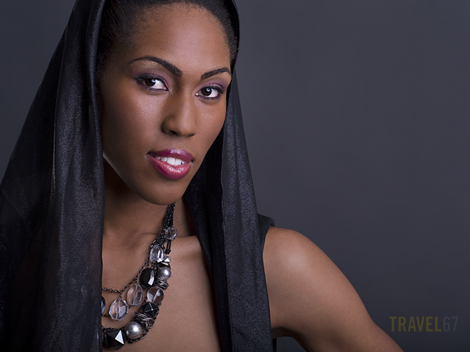
Ursula Veiled (Pentax 645D with DA645 55mm)
Another shot from the recent shoot with Ursula. Again the hair light behind the model was able to accentuate the jaw.
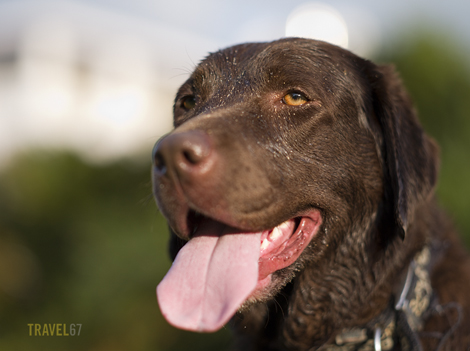
An exhausted labrador is a good labrador.
Took Bear for a wander along the beach and over the coral as the tide was low. For those who live near the ocean this tide forecast website is really useful.

 TRAVEL 67 : Chris Willson Photography